Unofficial Kodi add-on · plugin.audio.ytmusic

YouTube Music for Kodi

Browse and play your YouTube Music Premium library directly inside Kodi. Songs, playlists, albums, artists, lyrics, brand accounts — all on your TV.

⬇ Download latest release View on GitHub
Tested on Kodi 21 Omega · Windows · LibreELEC · Linux

Screenshots

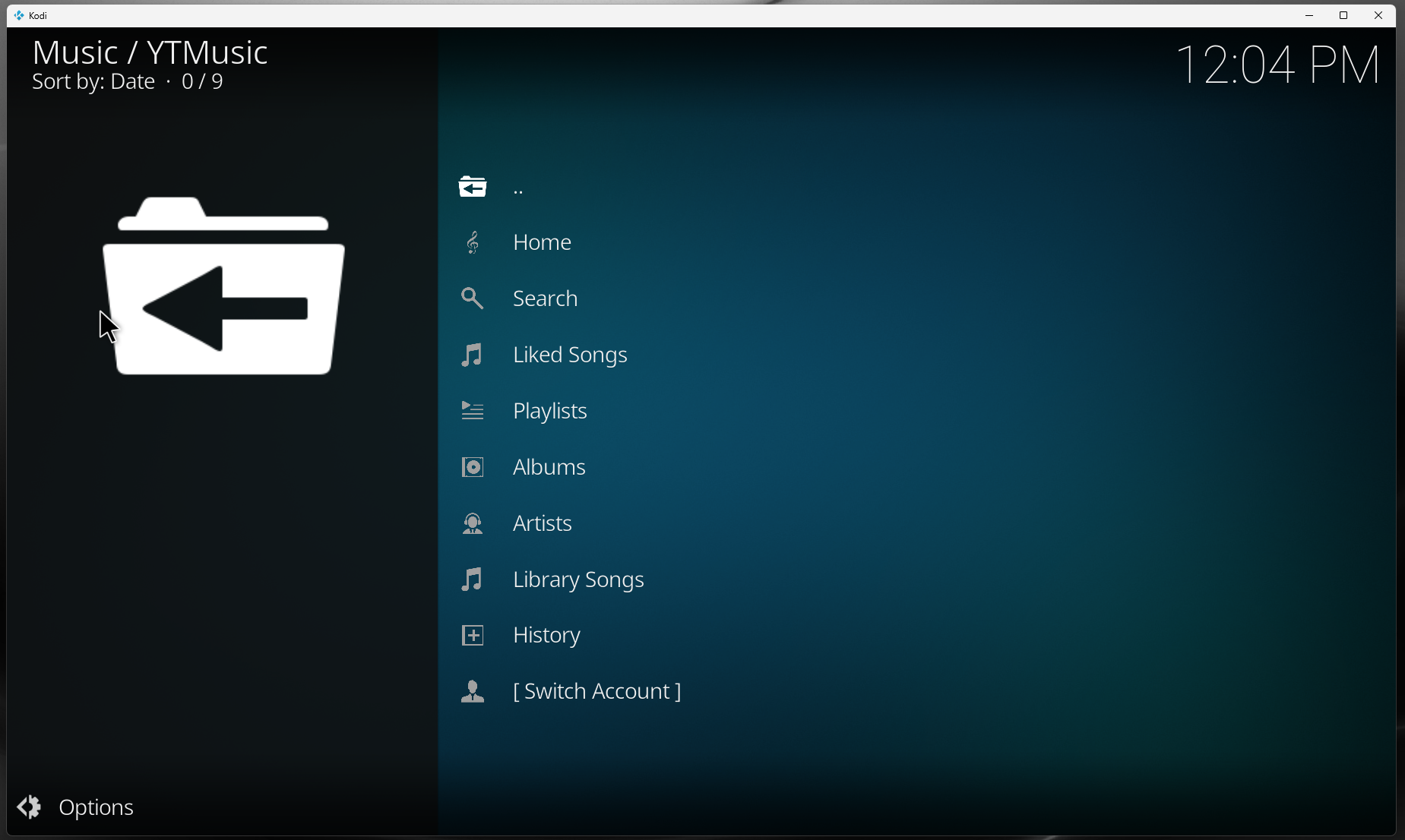
YouTube Music for Kodi home screen
Home screen
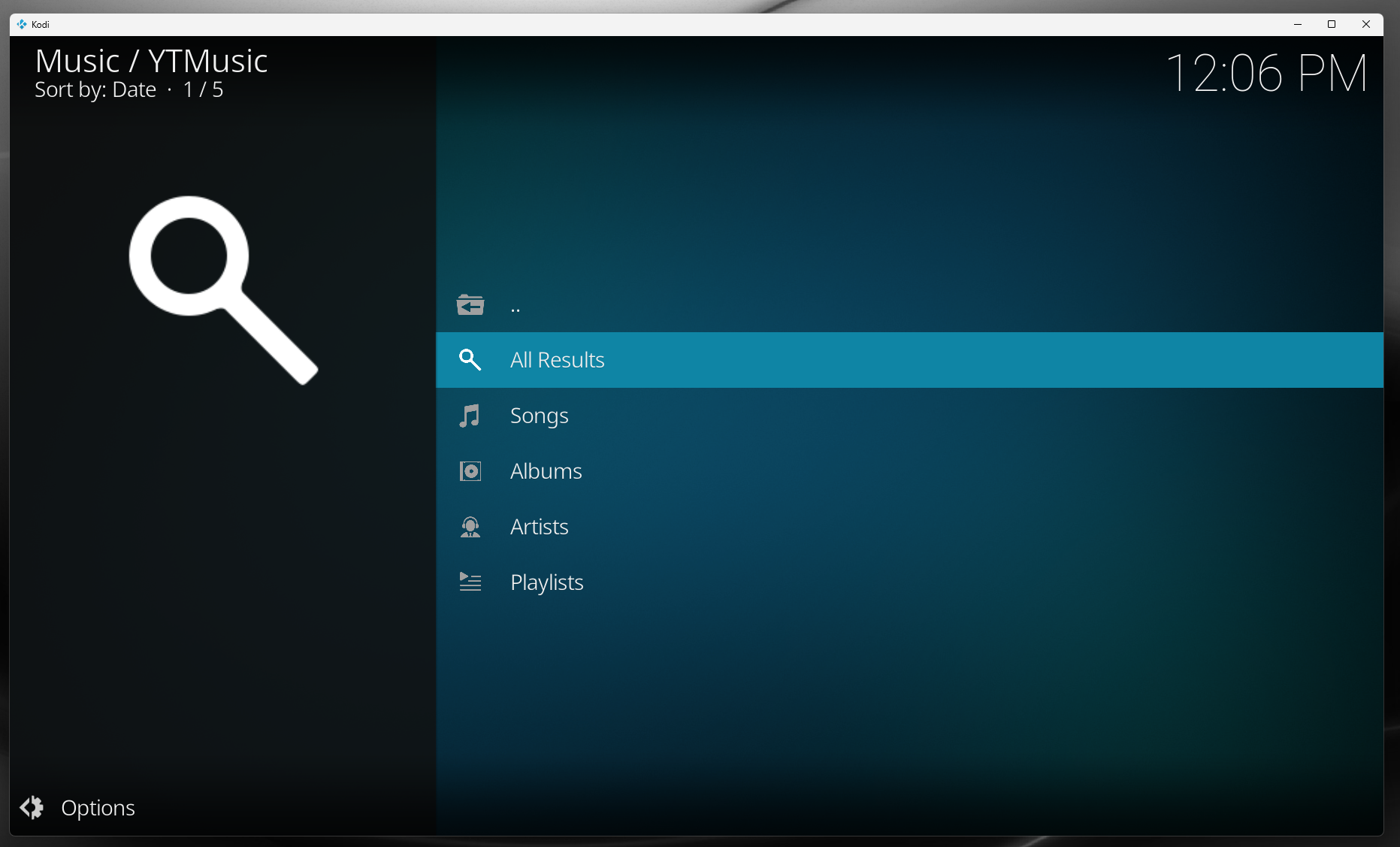
YouTube Music for Kodi search
Search
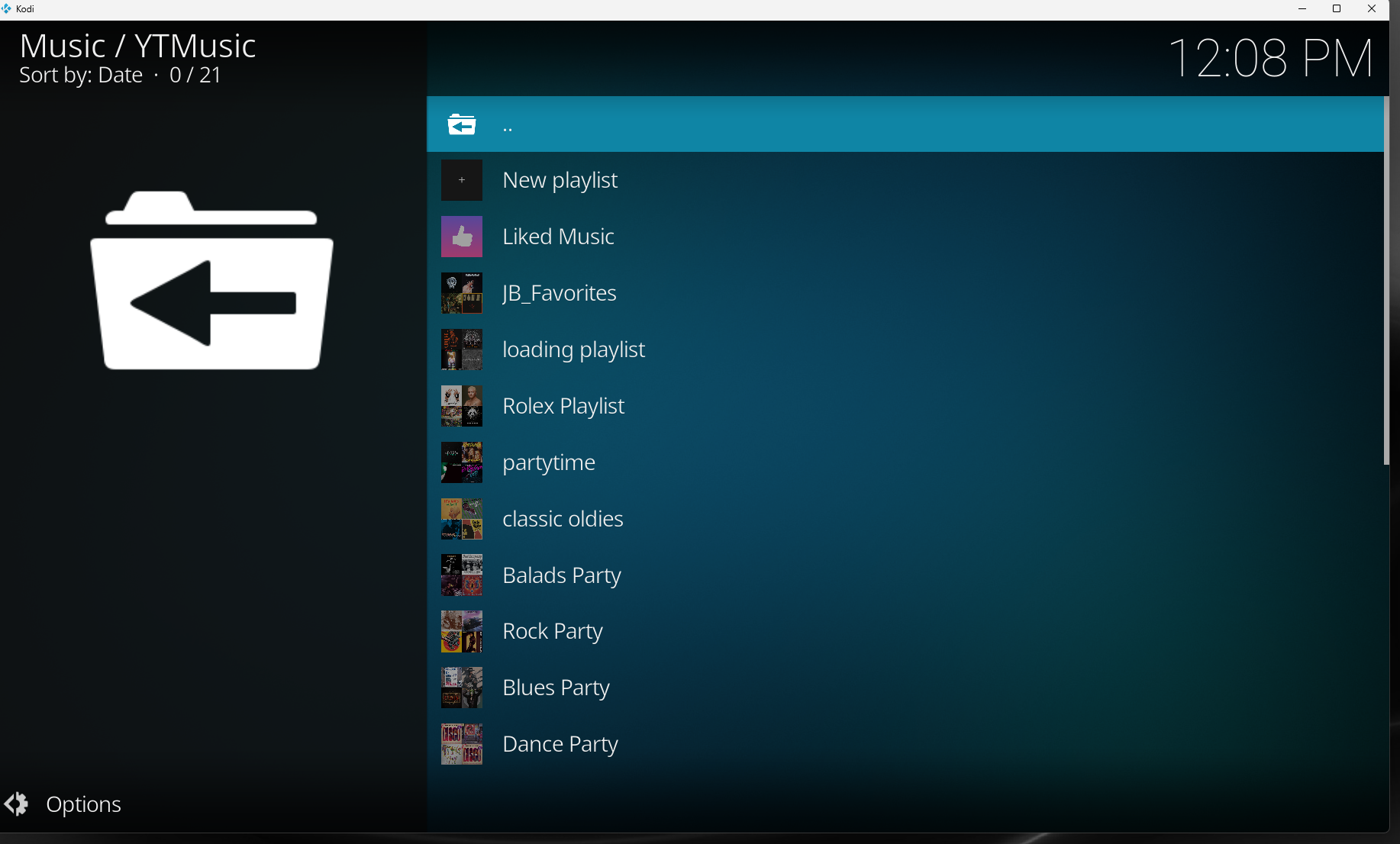
YouTube Music for Kodi playlists
Playlists
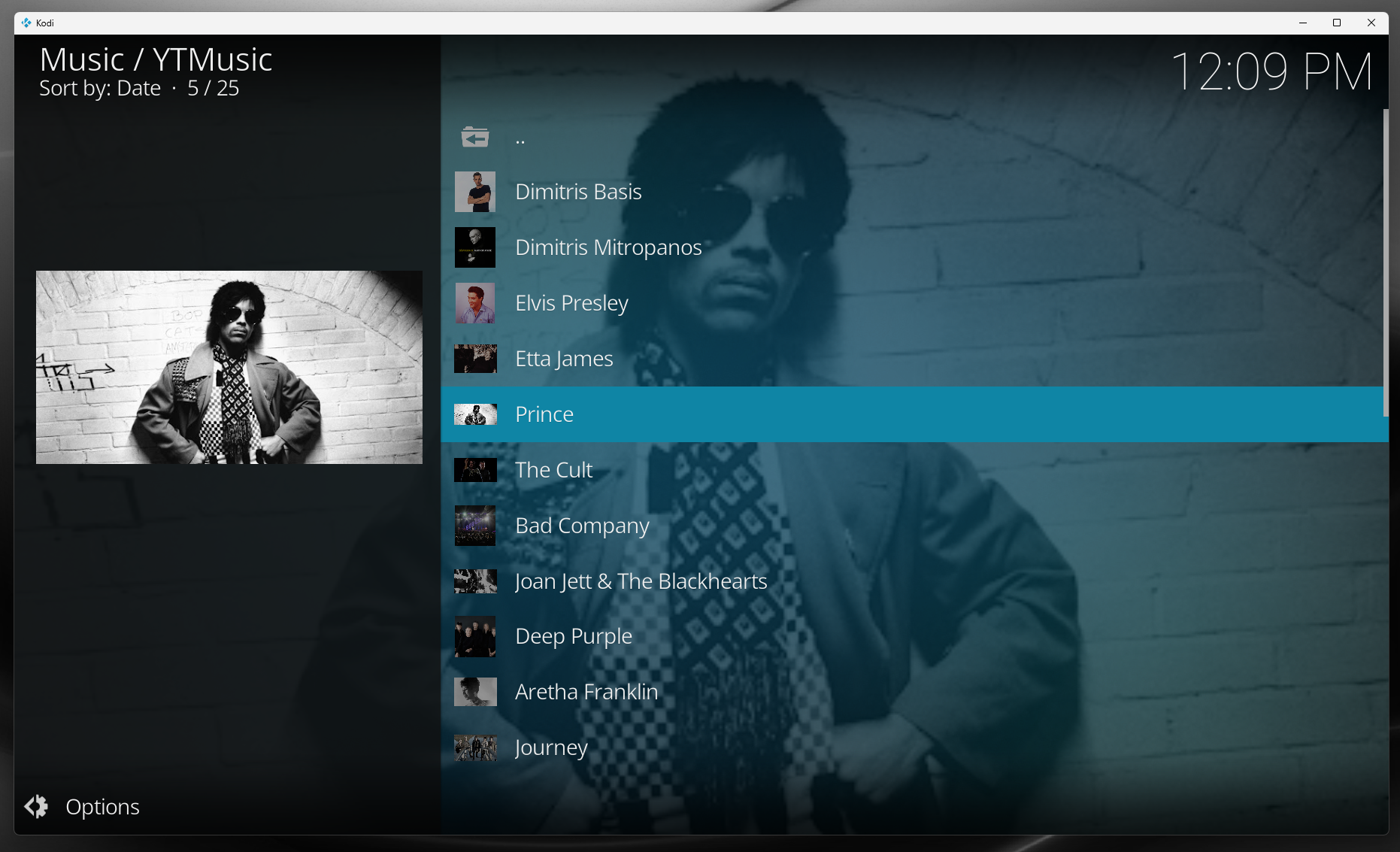
YouTube Music for Kodi albums and artists
Albums & artists
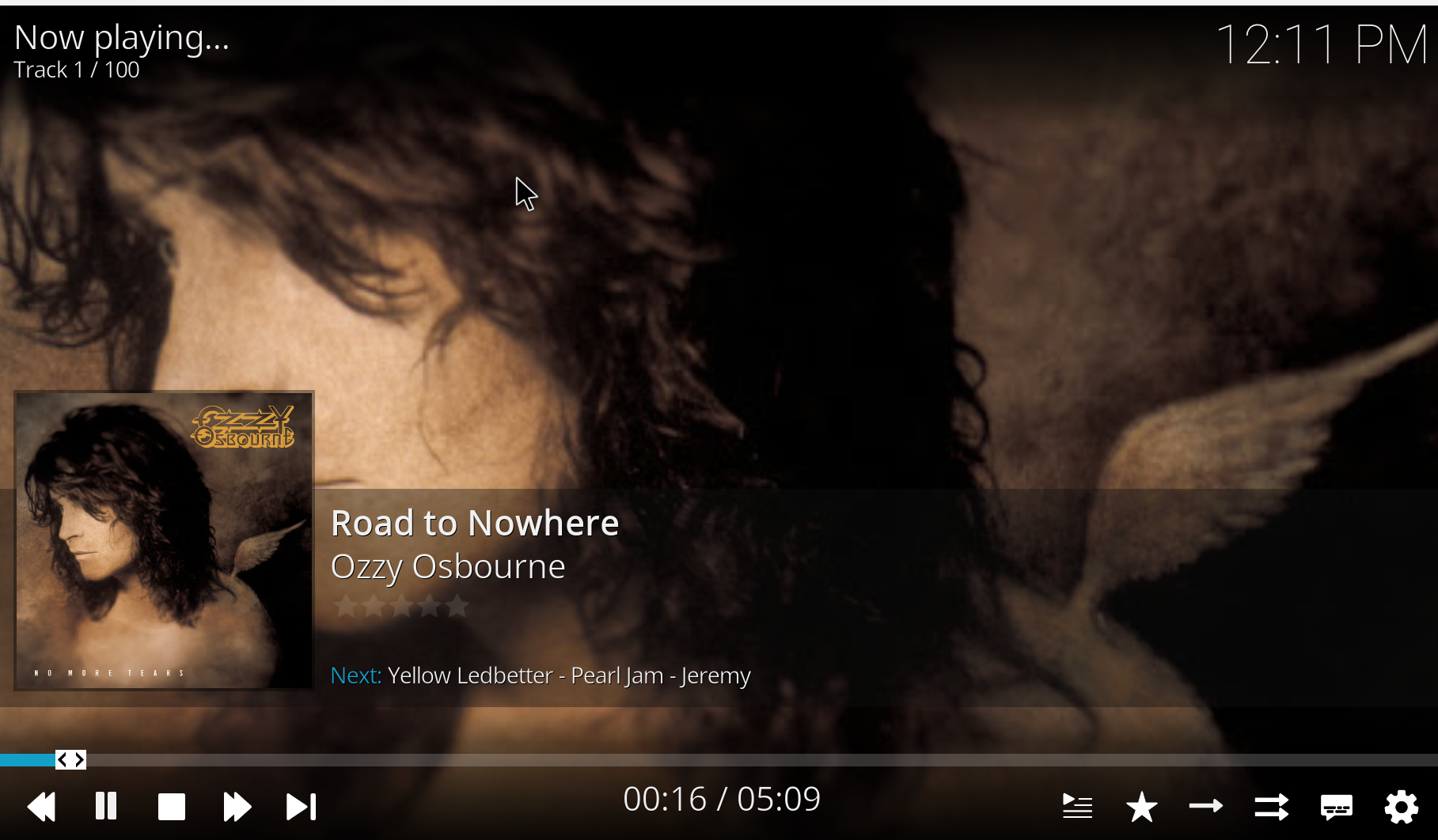
YouTube Music for Kodi now playing
Now playing
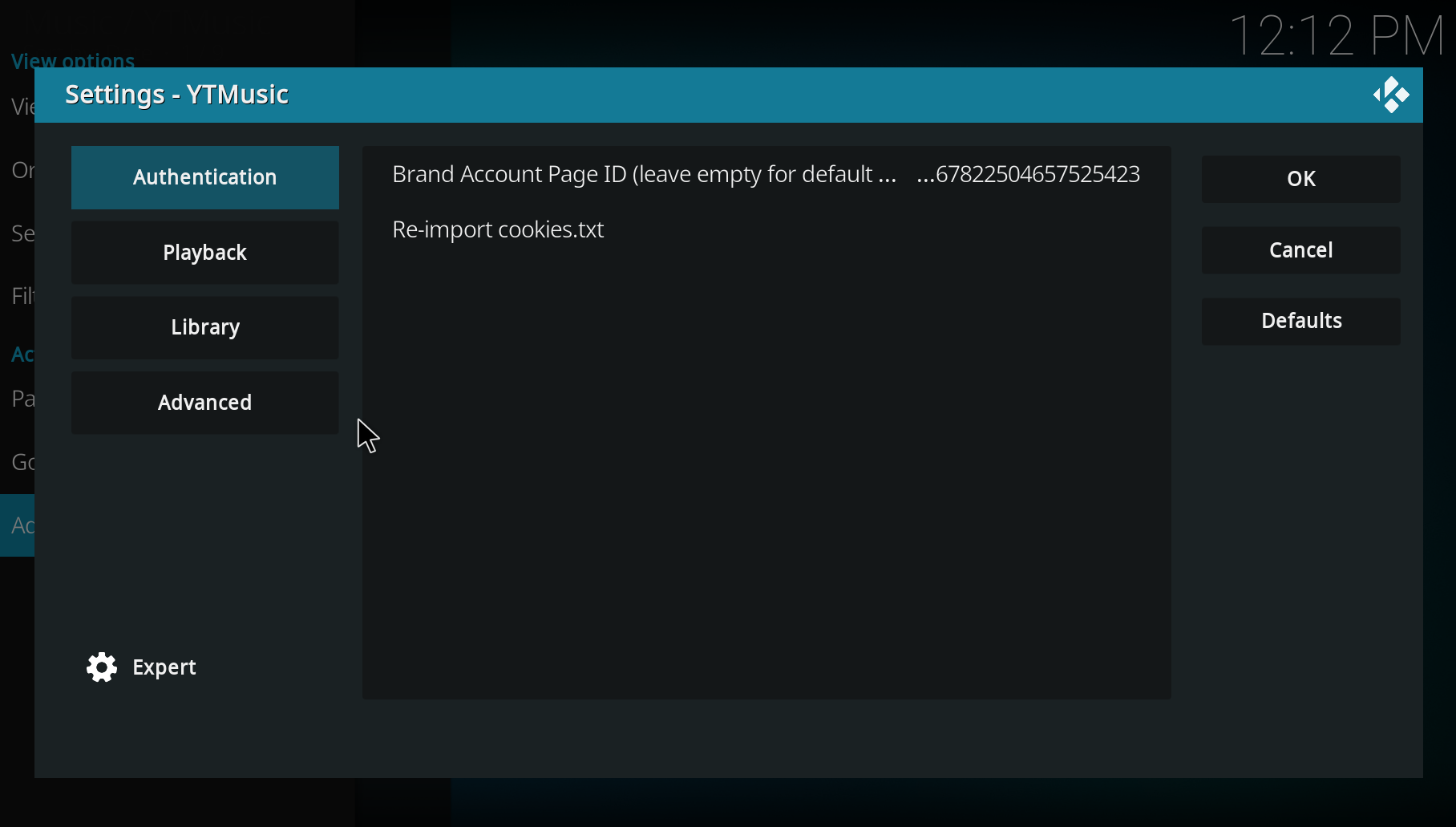
YouTube Music for Kodi settings and authentication
Settings & authentication

Features

📚
Your full libraryLiked songs, playlists, albums, artists.
🔍
Search everythingSongs, albums, artists and playlists across YouTube Music.
📝
Lyrics supportPulls lyrics where YouTube Music has them.
📻
Radio & watch listsEndless playback from any track or station.
🎚️
Quality selectionUp to 256 kbps with Premium.
👥
Brand accountsPicks up your brand account from your cookies.

Installation

Recommended — via the YPoulis Kodi Repository

Install the repository once and Kodi keeps this add-on (and the MotoGP VideoPass add-on) up to date automatically.

  1. Download repository.ypoulis-1.0.0.zip from the repository site.
  2. In Kodi → Settings → Add-ons → Install from zip file → pick the downloaded ZIP.
  3. Then Install from repository → YPoulis Kodi Repository → Music add-ons → YTMusic.
  4. Configure cookies-based authentication — see the README.

Open the repository landing page →

Alternative — manual ZIP install

  1. Download the latest plugin.audio.ytmusic-x.y.z.zip from the Releases page.
  2. In Kodi → Settings → Add-ons → Install from zip file → pick the ZIP.
  3. Open the add-on under Music add-ons.
  4. Configure authentication.

Manual installs do not auto-update.

FAQ

Is this an official YouTube Music add-on?

No — this is an unofficial Kodi add-on. It is not affiliated with Google, YouTube or YouTube Music.

Do I need YouTube Music Premium?

Yes. Premium quality (256 kbps) and ad-free playback require an active YouTube Music Premium subscription.

Does it work with Kodi 21 Omega?

Yes — Kodi 21 Omega is the primary target.

Does it work on LibreELEC?

Yes — it is regularly tested on LibreELEC running Kodi 21.

How do I authenticate?

Export your YouTube Music browser cookies into a cookies.txt file and point the add-on at it. See the Authentication section in the README.

Why do I need cookies?

YouTube Music does not expose a public auth API for third-party clients. Cookies tied to your account are the only way to verify your subscription and access your library.